
Depositing crypto to Bitbase is five steps, and only one of them can lose your money. You pick a coin, pick a network, copy the address Bitbase generates for that pair, send from your wallet, and wait for confirmations. The step that matters is the network: if the chain you send on is not the chain the deposit address was generated for, the transfer does not arrive and nobody can reverse it.
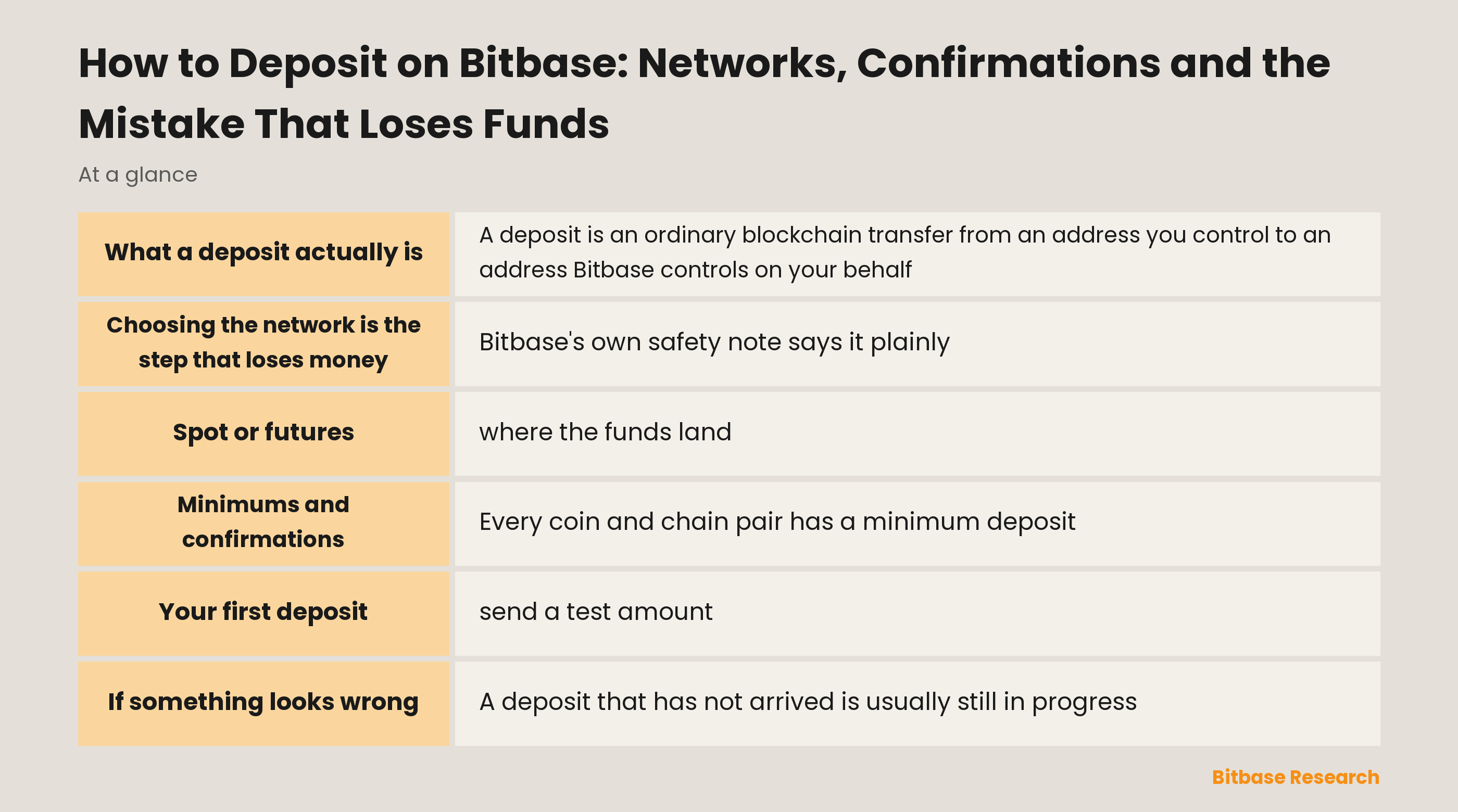
What a deposit actually is
A deposit is an ordinary blockchain transfer from an address you control to an address Bitbase controls on your behalf. Nothing special happens because it is an exchange on the receiving end; the chain treats it like any other transaction.
That framing explains most of the rules that follow. The address you are given is generated for one specific coin on one specific network, and it only recognises transfers that arrive that way. It is not an account number that routes intelligently, and it has no ability to notice that you sent the right token over the wrong chain.
It also explains the waiting. Once you press send, the transaction belongs to the network, and Bitbase credits it only after the chain has confirmed it. Nothing on the platform can make that part faster.
The five steps, and where each one can go wrong
| Step | What you do | What goes wrong here |
|---|---|---|
| Pick the coin | Choose from the list or search for the token | Choosing a similarly named token |
| Pick the network | Select the chain the sender will use | Mismatch with the sending side, funds lost |
| Copy the address | Copy it, or scan the QR code | Pasting an address altered by clipboard malware |
| Send | Transfer from your wallet or another platform | Sending below the minimum |
| Wait | Let the chain confirm | Assuming a failure before confirmations finish |
Bitbase supports several chains for major assets, including TRC20 (TRON), BEP20 (BNB Smart Chain), ERC20 (Ethereum), SOL (Solana) and Optimism. The step-by-step version with screenshots is in the official tutorial, how to deposit and withdraw crypto on Bitbase Web.
Choosing the network is the step that loses money
Bitbase's own safety note says it plainly: a network mismatch between the two sides is the most common cause of lost funds. It is worth understanding why that is unrecoverable rather than merely inconvenient.
The deposit address is a real address on one chain. When you send the same token over a different chain, the transfer lands at whatever that address string corresponds to on the second chain, which is not an account anyone at Bitbase holds keys for. There is no support queue that can undo it because there is nothing to undo; the transaction succeeded, just not where you meant.
The defence is a habit rather than knowledge. Read the network name on the Bitbase deposit page, read the network name on the sending side, and confirm they are the same string before you paste anything. Doing that every time costs a few seconds and removes the single largest risk in the whole process.
Spot or futures: where the funds land
Bitbase lets you choose the receiving account before you copy the address. Under Deposit To you can keep the default or switch between the Spot Account and the Futures Account, and the deposit is credited automatically to whichever one you selected.
Choosing deliberately saves a step later. If the money is destined for a futures position, sending it straight to the futures account avoids an internal transfer afterwards; if you are not sure yet, spot is the sensible default because moving it later is trivial.
After the transfer arrives you will see it under Funds and then Overview, split across Spot, Futures and Earn. If the balance is not where you expected, check which account you selected before assuming the deposit failed.
Minimums and confirmations
Every coin and chain pair has a minimum deposit, and transfers below it are not credited. Bitbase's own tutorial uses USDT on TRC20 as its example, where the minimum deposit is 0.01 USDT, funds arrive after one block confirmation, and withdrawal of those funds unlocks after six confirmations.
Those three numbers belong to that one pair. Other coins and other chains have their own minimums and their own confirmation counts, so read the figures shown on the deposit page for the pair you actually chose rather than carrying these over.
The gap between arrival and withdrawal unlock catches people out. Funds can be visible and tradable while still being locked for withdrawal, which is not an error but a settlement window. If you plan to deposit and withdraw quickly, that window is the thing to plan around.
Your first deposit: send a test amount
Before moving a meaningful sum to a new address, send a small one and let it arrive. The cost is one extra network fee, and it verifies the entire chain of assumptions at once: right coin, right network, right address, right receiving account.
This applies with most force the first time you use a given coin and chain combination, and again any time you deposit from a new sending platform. Both are moments when one setting on the far side can be wrong in a way you cannot see from Bitbase.
Once a test transfer has landed, the address is proven for that pair and you can reuse it with confidence. Generate a fresh address from the platform rather than reusing one copied from an old message, and never accept a deposit address that arrived by direct message from anyone.
If something looks wrong
A deposit that has not arrived is usually still in progress. Find the transaction hash on the sending side and look it up on a block explorer for that chain: if it shows as pending, the answer is to wait, and if it shows as confirmed to the right address, the credit is a matter of confirmation count.
If the explorer shows the transfer went to a different chain than the address was issued for, that is the mismatch case, and the honest answer is that it is not recoverable. Contacting anyone who promises to reverse it is a well-worn scam pattern, which is why Bitbase's official channel checker exists; how to use it is in how to verify official Bitbase channels.
For anything that turns out to be about cost rather than delivery, the structure of network fees and platform fees is set out in Bitbase withdrawal fees.
The bottom line
A Bitbase deposit is a normal on-chain transfer to an address generated for one coin on one network. Pick the coin, pick the chain, choose whether it lands in Spot or Futures, copy the address, send, and wait for confirmations.
One step carries almost all the risk. Match the network on both sides, character for character, and confirm it before pasting; Bitbase names this as the most common cause of lost funds for good reason. Send a test amount the first time you use a new pair, and read the minimum and confirmation figures shown for the pair you chose rather than assuming the USDT example applies. For more from Bitbase Academy, keep reading.
Related reading
Other Bitbase articles on this topic:
- How Long Does a Crypto Transaction Take?
- Can You Cancel a Crypto Transaction?
- Bitbase Futures Fees: The Full USDT-M Schedule and What a Round Trip Costs
- How to Calculate a Token Treasury Runway
- How Crypto Social Sentiment Analysis Works
Disclaimer: This article is educational content from Bitbase Academy, provided for information only. It does not constitute investment, trading, tax, or financial advice. Crypto assets are volatile; assess your own risk. Written as of September 2026; refer to the latest official information.
References
[1] Bitbase, How to Deposit and Withdraw Crypto on Bitbase — Web (official product tutorial) www.bitbase.com